Managing content efficiently on your WordPress site is crucial for maintaining a streamlined workflow. With the right content management plugins, you can easily schedule, organize, and publish posts, making your site management much smoother. Below is a list of some of the best content management WordPress plugins that will help you get the job done efficiently.
| Product | Best for | Price | Rating | Active installs |
|---|---|---|---|---|
| Editorial Calendar | 4.9/5 | 20,000+ | ||
| PublishPress | 4.9/5 | 6,000+ | ||
| WP Scheduled Posts | 4.6/5 | 10,000+ | ||
| Content Views | 4.8/5 | 100,000+ | ||
| CoSchedule | Paid | |||
| Edit Flow | 4.2/5 | 4,000+ | ||
| WP User Frontend | 4.1/5 | 20,000+ | ||
| Duplicate Post | 4.7/5 | 3M+ | ||
| Advanced Custom Fields | 4.5/5 | 2M+ | ||
| Simple Page Ordering | 4.7/5 | 100,000+ |
Editorial Calendar
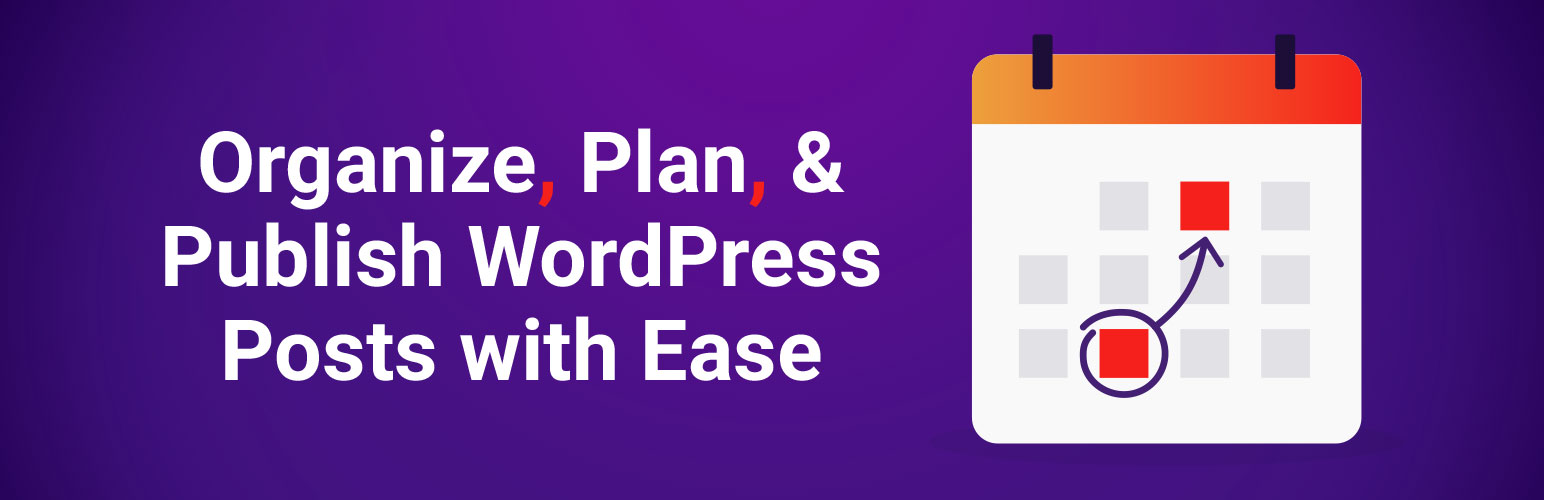
Description: Editorial Calendar provides a simple drag-and-drop interface to manage your blog posts. With this plugin, you can easily organize and schedule posts in advance.
- Features:
- Drag-and-drop post management
- Schedule posts for future dates
- Quick edit posts directly from the calendar
PublishPress
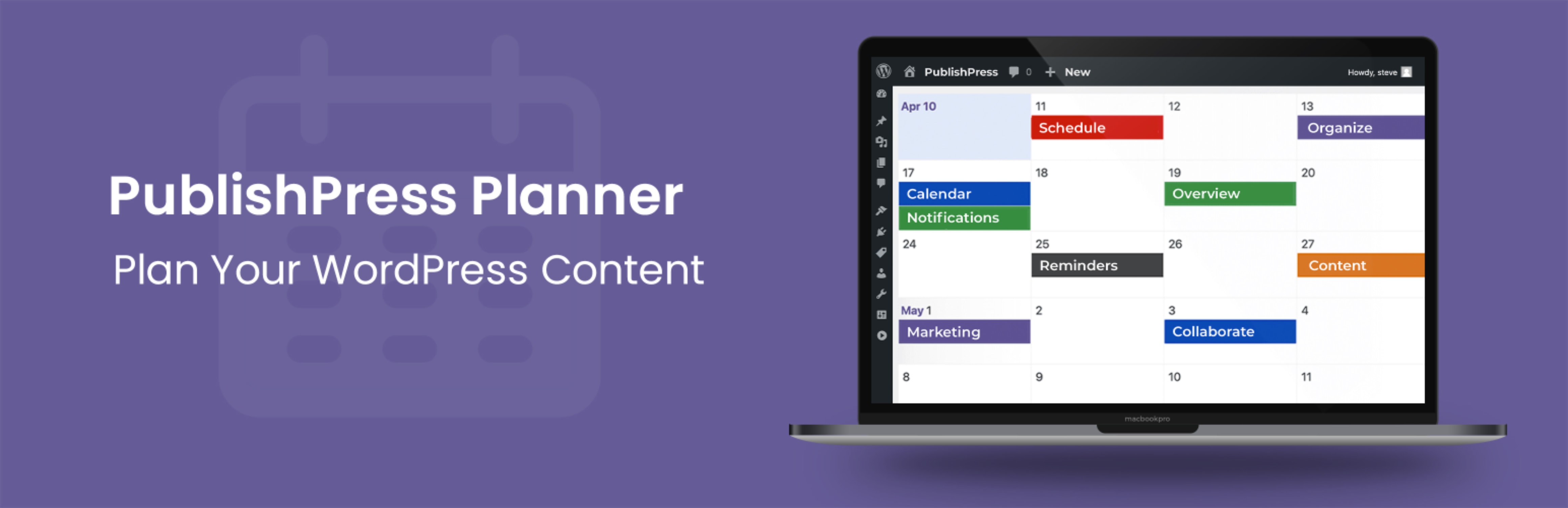
Description: PublishPress is a comprehensive plugin designed to improve your editorial workflow. It includes features like custom statuses, editorial comments, and content notifications, making it great for large teams.
- Features:
- Editorial calendar and notifications
- Custom statuses for workflows
- User roles and permissions management
WP Scheduled Posts
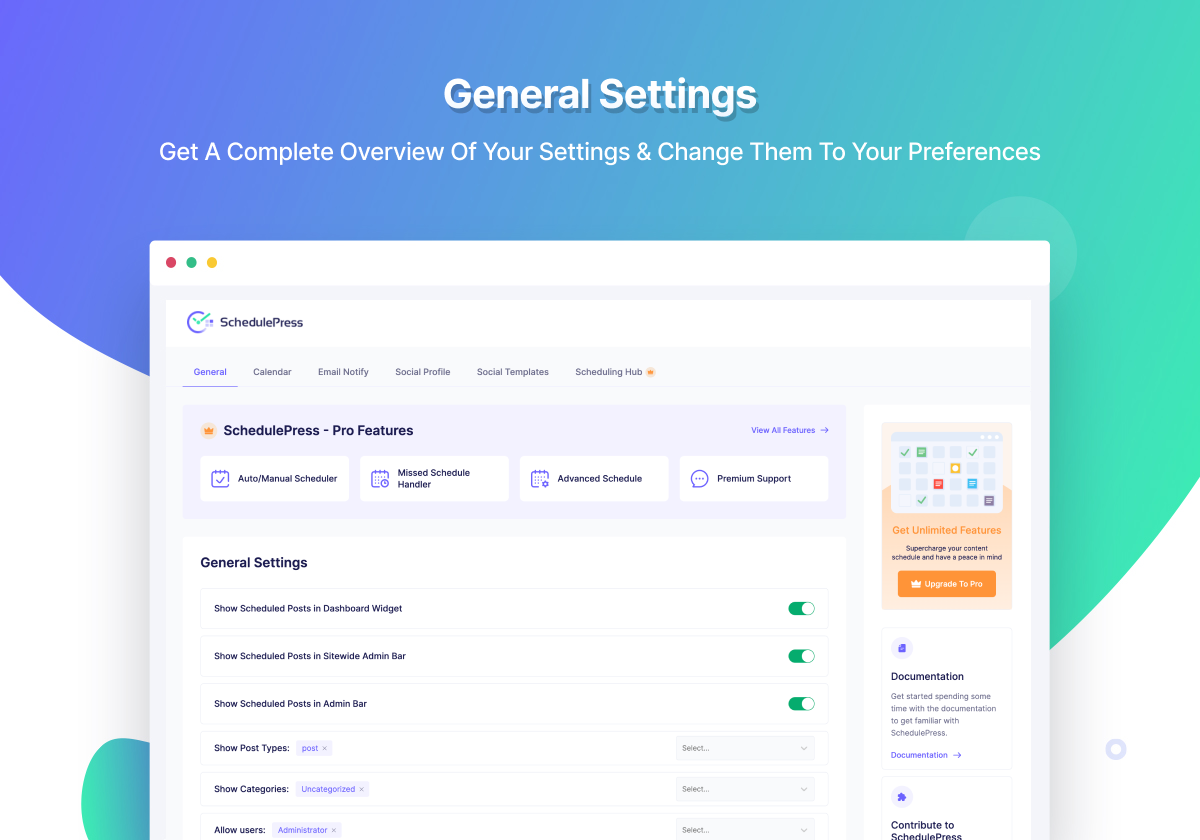
Description: WP Scheduled Posts helps automate your post scheduling process with an intuitive drag-and-drop interface. It ensures that your content is always published on time.
- Features:
- Auto-schedule posts
- Drag-and-drop calendar
- Missed post handler
Content Views

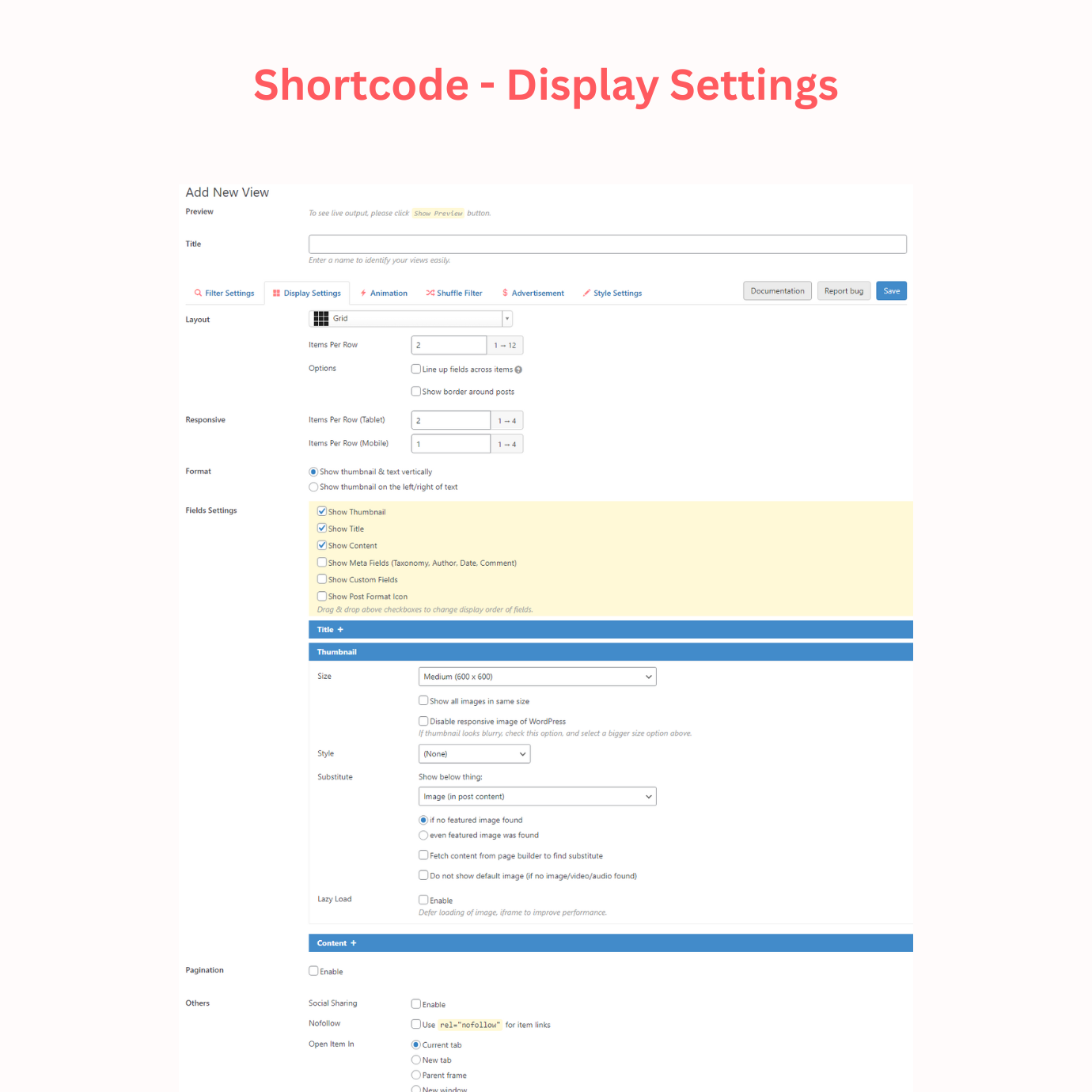
Description: Content Views lets you organize and display your content in attractive grid or list layouts, without needing any coding knowledge. It is ideal for creating responsive galleries and content displays.
- Features:
- Grid and list layouts for posts
- No coding required
- Responsive and mobile-friendly
CoSchedule

Description: CoSchedule is a premium marketing calendar that integrates blog posts, social media, and team tasks into one unified tool. It’s ideal for content managers and marketing teams.
- Features:
- Unified content calendar
- Drag-and-drop scheduling
- Integration with social media platforms
Edit Flow

Description: Edit Flow provides editorial management tools like custom statuses, editorial comments, and a content calendar to streamline your team’s workflow.
- Features:
- Editorial calendar and custom statuses
- Collaboration tools (comments, notifications)
- Customizable editorial workflow
WP User Frontend
Description: WP User Frontend allows front-end posting for users. You can create custom forms to enable users to submit posts directly from the front-end of your site.
- Features:
- Front-end post submission
- Customizable forms
- Manage user permissions for post submission
Duplicate Post

Description: Duplicate Post allows you to quickly clone any post or page on your site with a single click, preserving the content structure and formatting.
- Features:
- One-click cloning of posts and pages
- Retains formatting and structure
- Bulk duplication available
Advanced Custom Fields (ACF)
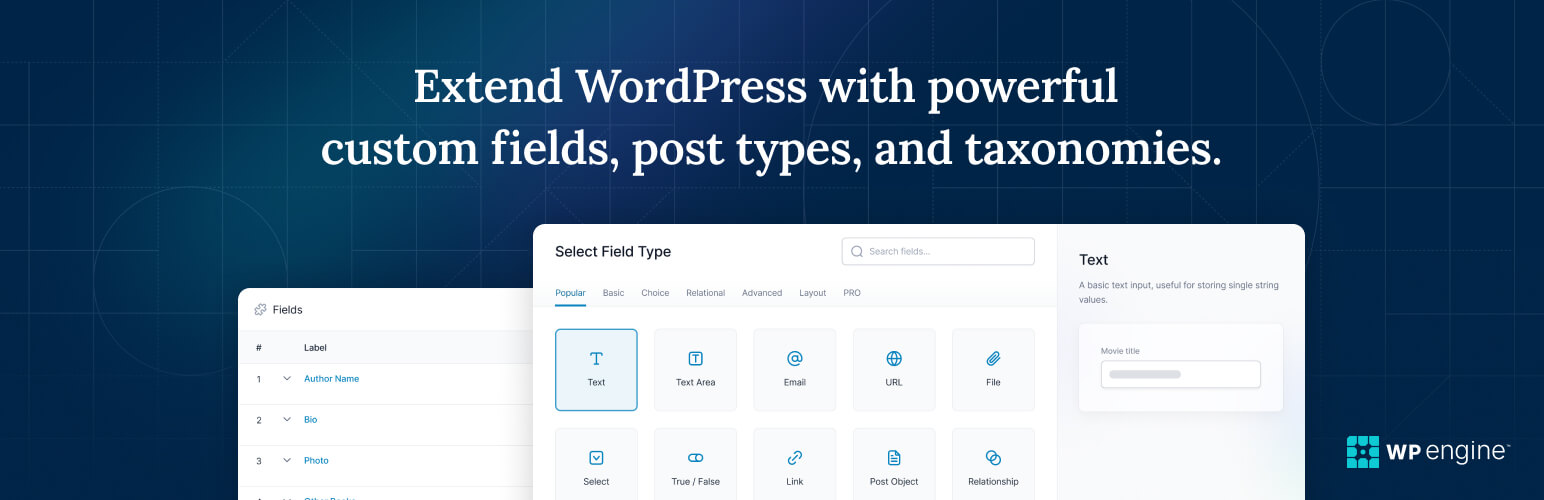
Description: Advanced Custom Fields (ACF) is a powerful plugin that allows you to add and manage custom fields for posts and pages. This is especially useful for developers building custom content types.
- Features:
- Add custom fields to posts, pages, and custom post types
- Display custom fields anywhere on your site
- Developer-friendly and user-friendly
Simple Page Ordering
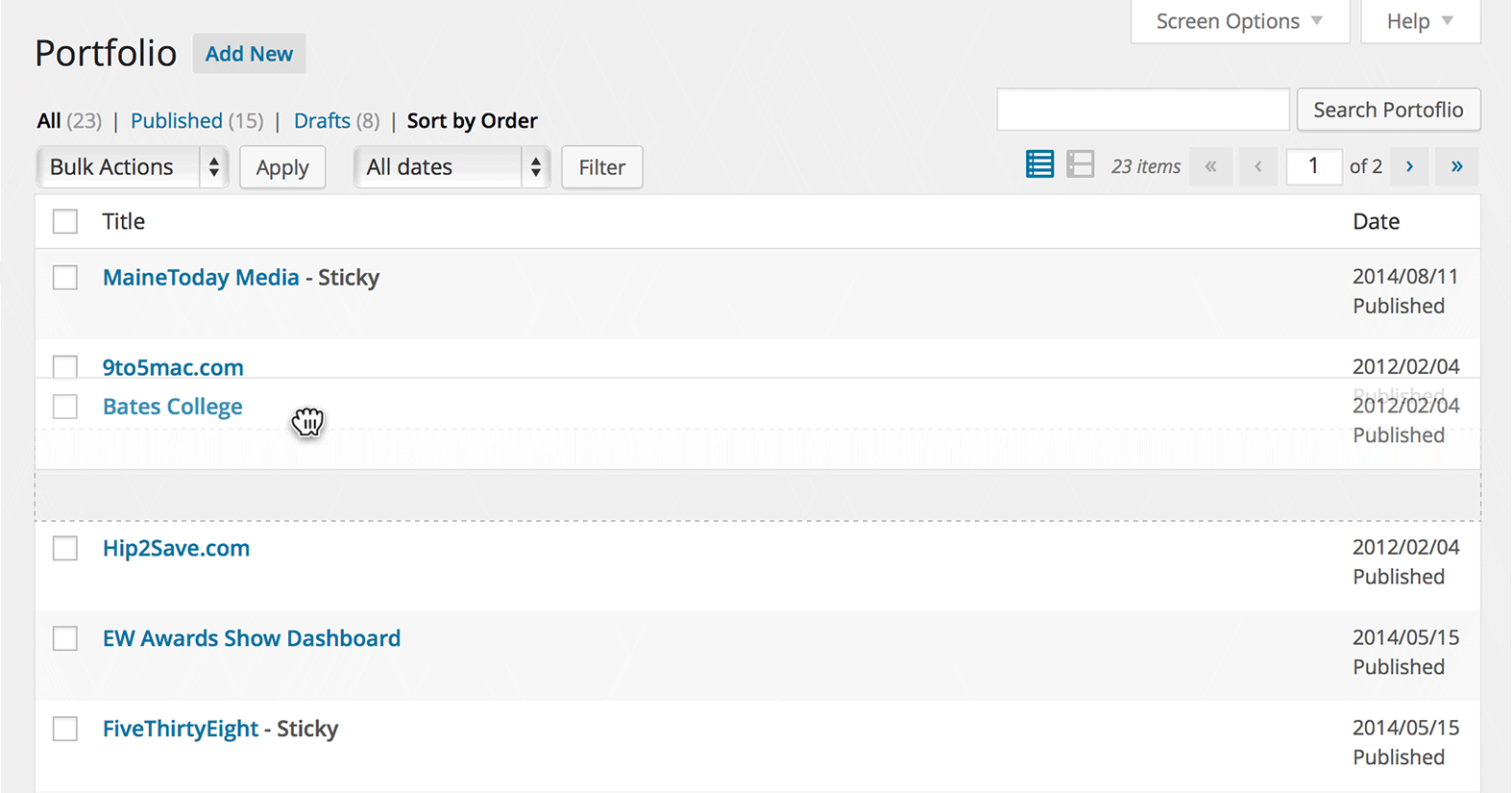
Description: Simple Page Ordering lets you reorder your pages and hierarchical post types through an easy drag-and-drop interface. This plugin makes organizing pages much simpler.
- Features:
- Drag-and-drop page ordering
- Supports hierarchical post types
- Fast and lightweight
Summary and Conclusion
Efficient content management is critical for any WordPress site, whether you’re running a simple blog or managing a large editorial team. The plugins listed above provide a wide range of features, from organizing content with calendars to streamlining user-generated content submission.
By choosing the right plugin, you can improve your editorial workflow, increase efficiency, and make content management a breeze. Whether you’re managing a solo blog or a multi-author platform, these tools will help you keep your WordPress site organized and your content publication running smoothly.
Make sure to select the plugin that best suits your content management needs, and enjoy a more streamlined process for handling your WordPress content!