
If you’re looking to add a job board to your WordPress site or create a dedicated job listings website, a reliable job board plugin is essential. With so many options available, finding the one that suits your needs can be tricky.
In this article, we’ll highlight some of the best FREE WordPress job board plugins we’ve found. Although all the plugins listed are excellent choices, it’s important to select the one that fits your site’s unique requirements. To assist you, we’ll go over the features and functionalities of each plugin to help you find the ideal solution for your project.
| Product | Price | Rating | Active installs |
|---|---|---|---|
| WP Job Manager | Free + paid | 4.4/5 | 70,000+ |
| Apply Online | Free | 4.1/5 | 2,000+ |
| Simple Job Board | Free | 4.7/5 | 10,000+ |
| JS Job Manager | Free + paid | 3.6/5 | 100+ |
| Posts Table Pro | Free + paid | 4.6/5 | 3,000+ |
| WP Job Openings | Free + paid | 4.8/5 | 30,000+ |
| Job Manager & Career | Free + paid | 4.7/5 | 1,000+ |
| EasyJobs | Free + paid | 4.7/5 | 4,000+ |
| HivePress | Free + paid | 4.9/5 | 10,000+ |
WP Job Manager

WP Job Manager from Automattic is a great freemium job board plugin. For those adding a job board to their WordPress website for the first time, or for those who aren’t looking for a plugin with advanced features, the free core module that WP Job Manager provides should easily cater for your needs. However, if you are looking for extra functionality, premium add-ons can be purchased to support the free core module.
Shortcode based, WP Job Manager can work with any theme and is very simple to get up and running (just checkout our full WP Job Manager Guide). You can list jobs displaying company information, expiry dates, and more. Create a front-end job submission form, where employers can list jobs themselves and preview the listing before it goes live is possible too. Or use the employer dashboard where logged in users can manage their own job listings.
Popular add-ons include Applications, where you can add application forms to jobs. And WC Paid Listings, enabling you to monetize your site. As you can see, WP Job Manager is a versatile plugin, catering for different needs across the board.
Pros
- Free core with job board shortcodes and widgets
- Front-end submission form and employer dashboard
- Google reCAPTCHA option for submission forms
- Yoast SEO and Polylang compatibility code included
Cons
- Applications and resume management need paid add-ons
- Add-on licences are activated against the vendor's own API
- Usage tracking is available but needs the site owner to opt in
Apply Online

Apply Online is a free and efficient WordPress jobs board plugin. Quick to setup and easy to use, Apply Online is just the solution for you if you are looking to add a jobs page to your WordPress website. This plugin can also be used to add an advertisement board or a registration page for a course or class. Once published, you can start receiving job or registration applications from your website straight away.
Apply Online’s intuitive interface allows you to add, categorize and manage job advertisements from within your WordPress dashboard. You can then add descriptions and other job-related features to advertisements, then receive an email when an application is received.
A very flexible and straightforward plugin, Apply Online is a great option if you are looking for a free job board plugin that works straight out of the box.
Pros
- Drag-and-drop application form builder with file attachment fields
- Several ad types, each with its own shortcode
- Dedicated manager role for reviewing applications
Cons
- Applicant tracking, conditional fields and captcha need paid add-ons
- Email notifications rely on the host mail server
Simple Job Board


Simply Job Board is a lightweight plugin that is free to download from the WordPress repository. This user-friendly WordPress plugin will enable you to quickly add a job board to your website or blog.
Add multiple job listings and display them with application forms on any page of your website by just using simple shortcodes. Add-ons can also be purchased to help you upgrade the plugins functionality if needed. Simply Job Board is an effective low-key plugin, that can be extended as your site grows, and is a great choice for those on a budget.
Pros
- Job listings with category, type, location and tag filters
- Custom application form builder and applicant list in the admin
- Applications sent by email and kept in the dashboard
Cons
- Elementor form layouts and extra features need paid add-ons
- Add-on licences are activated from the plugin's own screens
- Page layout is set in the plugin's appearance settings
JS Job Manager
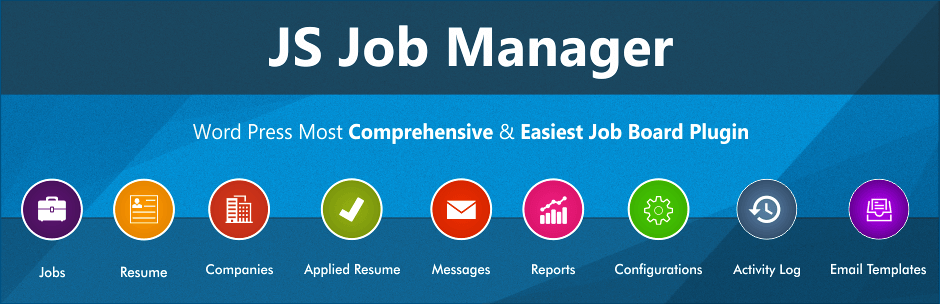
JS Jobs is another WordPress plugin that will enable you to create a complete jobs site. Create a membership site, enabling employees and employers able to take charge of their own applications and listings. Users can register and login to access your content, or login via Facebook or LinkedIn. Importantly, JS Jobs Pro supports Paypal integration, enabling you to charge for job listings or memberships.
Pros
- Employer and job seeker control panels by shortcode
- Admin approval for companies, jobs and resumes
- Activity log of main actions and resume export
Cons
- Many settings are marked Pro Version Only in the admin
- Pro installer and demo import contact the vendor's servers
- Google Maps features need a Google Maps API key
Posts Table Pro

You can build more than just table with Post Table – including a job listings page. The free plugin includes all the important features you need like list, search, sort and filter with more advanced options in the pro version. Just select a custom post type (or create a totally new one with the free WordPress post types unlimited plugin) to use for your table and get to work customizing your options. Plus it’s compatible with popular form plugins, like Contact Form 7 and Gravity Forms, so you can accept job applications right on your site.
Pros
- Sortable, searchable table from a shortcode
- Filter by date, category, tag or author
- Pagination and responsive layouts
Cons
- Pro version is promoted in the settings
- Vendor promo content is fetched on admin pages
- Free version is limited to standard posts
WP Job Openings
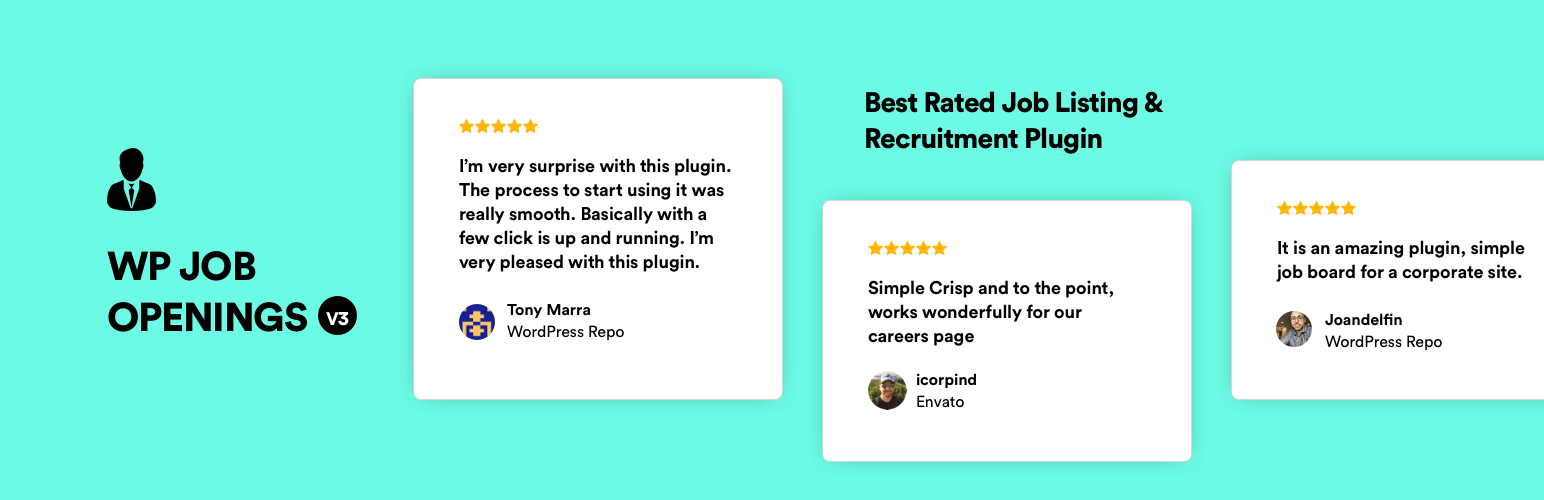
Setup a job listing page, quick and simple, with the WP Job Openings. This straightforward plugin includes support for unlimited job specifications, listing expiration date, recent jobs widget, Ajax search and filters, custom email notifications, and offers a grid or list view. Plus it includes a front end application form and a custom HR user role to make job management easy.
Pros
- Free core with job listings, careers page and application form
- Shortcode, block and Elementor options for placing listings
- Captcha choice for applications: reCAPTCHA, hCaptcha or Turnstile
- Expiry handling and a daily email digest
Cons
- Form builder, job alerts and access control need paid add-ons
- Applications are managed inside WordPress, with no separate applicant tracking system
- Captcha and Akismet checks call third-party services
Job Manager & Career
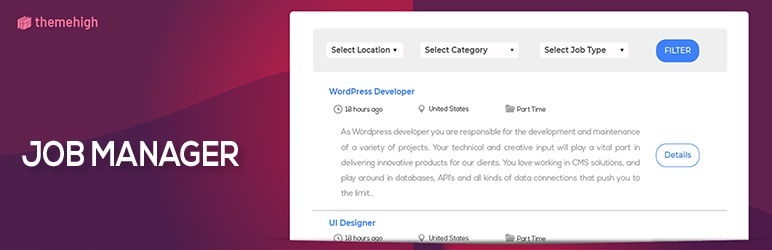
The Job Manager & Career plugin was designed to help with job listing and application management right from your WordPress dashboard. The plugin works great with most themes and inherits the theme’s colors, borders and styles. Plus it includes options like an easy to use shortcodes, job search, application form, resume upload, add featured jobs with badges, job visibility based on status, data backup and more.
Pros
- Careers listing by shortcode with location, type and category
- Built-in application form stored as applicant records
- Featured badge for urgent jobs
Cons
- Premium upgrade links appear in the plugin screens
- Deactivation survey sends system details to the vendor when submitted
- Free edition has a small install base and a 2024-era layout not re-checked
EasyJobs
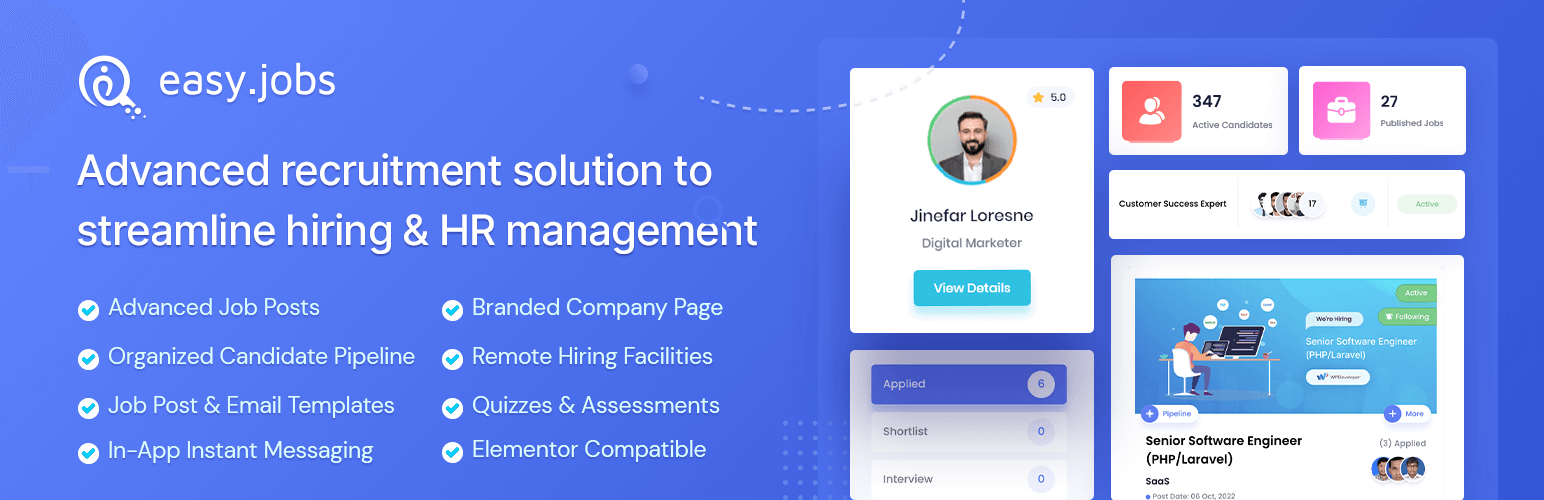
Running a job board inside WordPress has never been easier, thanks to EasyJobs. This plugin is an ideal solution for recruitment agencies, entrepreneurs, web developers, and bloggers alike.
Usable with any WordPress theme, EasyJobs has an online editor (which you will need to sign up for) to help you quickly and easily get your job board set up. The free plan EasyJobs is more than enough to get started with, and it can be integrated with third-party plugins like Elementor for custom job board layouts.
Pros
- Manage jobs, candidates and pipelines without leaving WordPress
- Career pages via shortcodes, blocks, Elementor widgets or a page template
- Customizer controls for career page styling
Cons
- Useless without an easy.jobs account; all data is stored off-site
- Adds a Matomo tracker from easy.jobs on career pages
- Shows seasonal sale notices in the admin
HivePress

Build out a full directory for your job board with HivePress. While not strictly a job board plugin, the plugin does include loads of helpful features you can use to create your job listings. The free version of HivePress includes listings, custom fields, categories, search filters, user registration, captcha, support for ratings/reviews, messaging and favorites.
HivePress also offers a JobHive theme that you can purchase for an even faster onboarding process, as the built-in features mean you just need to add job attributes and make a few styling decisions. But for more advanced settings there are plenty of premium HivePress extensions to integrate things like search notifications, social login, memberships and more.
Pros
- Covers many listing types: directories, job boards, classifieds, real estate
- Custom fields, categories and a front-end dashboard for listing owners
Cons
- Many features come as separate add-ons, some paid and licence-gated
- Large plugin with many moving parts to configure
Conclusion
There are several free WordPress job board plugins available, each offering a range of features to suit different needs. WP Job Manager is a flexible option for those looking to expand functionality with add-ons, while Apply Online and Simple Job Board offer straightforward, easy-to-use solutions for simpler requirements. For more advanced needs, plugins like JS Job Manager and Job Board Manager provide membership options and integration with payment gateways. Each plugin has its own strengths, so the best choice depends on the specific needs of your website, such as ease of use, flexibility, and desired functionalities.