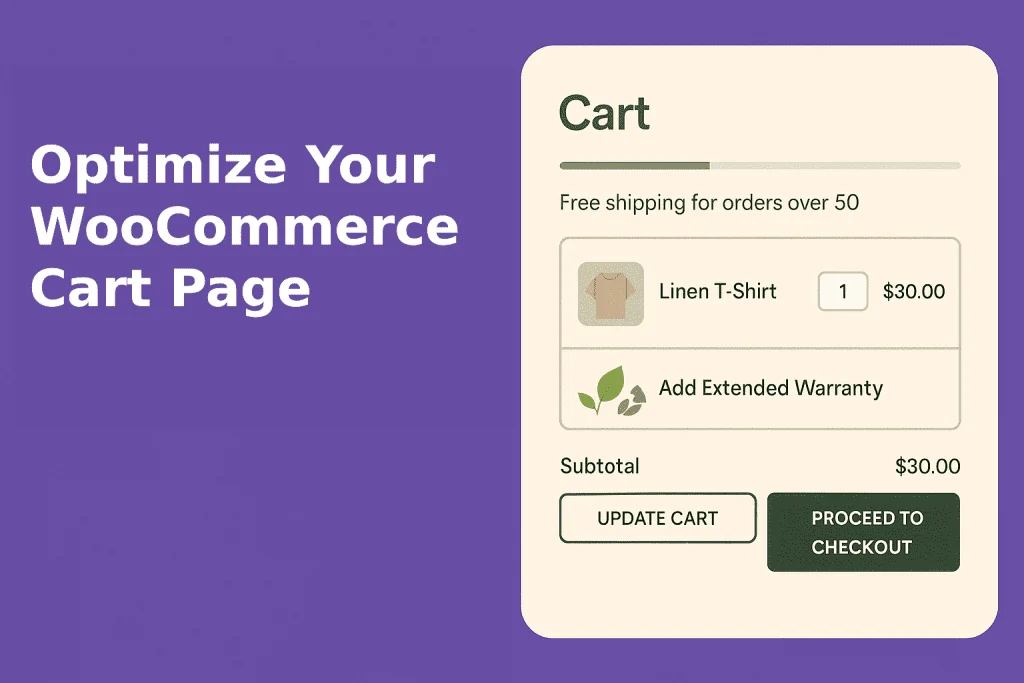
This post is about one page of your WooCommerce store: the cart. It is easy to think a nice theme takes care of it. The cart may work fine, but working is not the same as being built to convert.
Why put effort into the cart page?
Make shopping more pleasant
Out of the box, most cart pages look bare and dull. That does little to nudge a shopper toward checkout. A cart that matches your brand and feels smooth and friendly gives buyers the confidence to finish the order.
Picture a sustainable clothing shop. Earthy colors, eco imagery and ethical design touches would back up what the brand stands for. Trust badges, reviews and other social proof help convince buyers the products are worth it.
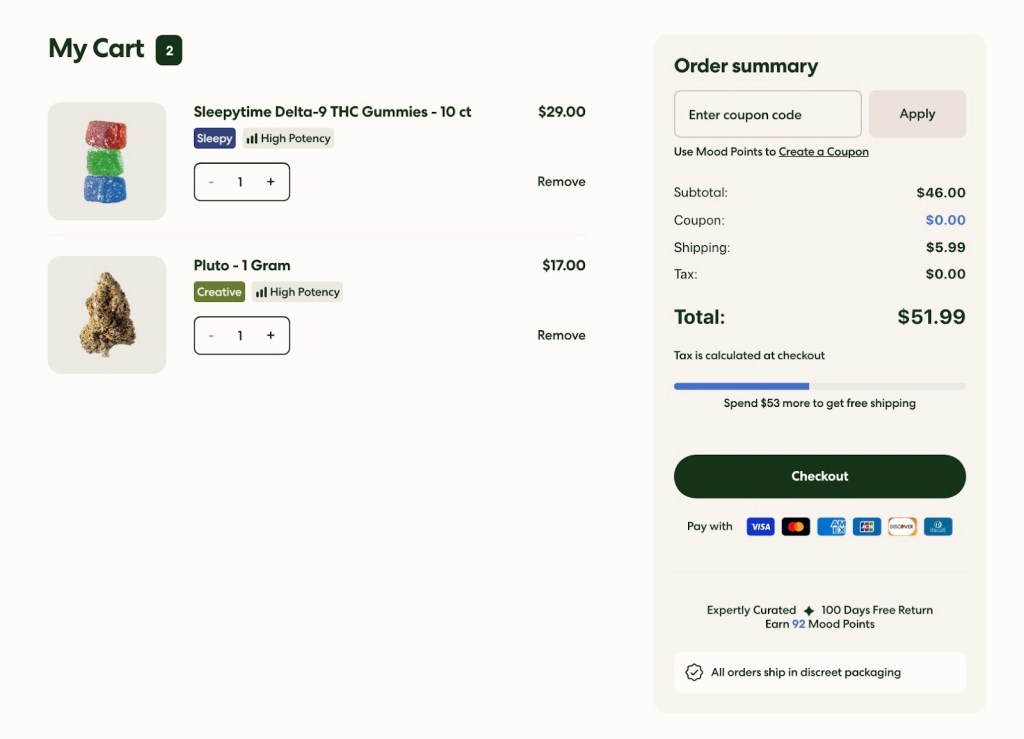
Keep it simple, though. Too much on the page puts people off. Here is a tidy cart from Woo Site that works well, with an easy-to-read free shipping progress bar:
Bring shoppers back
The cart is not only about closing the sale now. It should also hold on to people who leave before checkout. Options like ‘Save for Later’ and email sign-up boxes give you a way to reach them again and remarket to them.
Another example: after adding a product, the shopper chooses between carrying on browsing or heading to checkout. Asking them to create an account early means their cart is saved if they stop halfway.
Get shoppers to spend more
For many stores, the main reason to customize the cart is a higher AOV (average order value). Well-placed upsells and cross-sells get shoppers to add a few more items, and that adds up to more revenue.
Winning new customers keeps getting pricier, as customer acquisition costs (CAC) climb, so online stores want more from each buyer. Product bundles, upsells, volume discounts and free shipping thresholds all help raise AOV and profit over time.
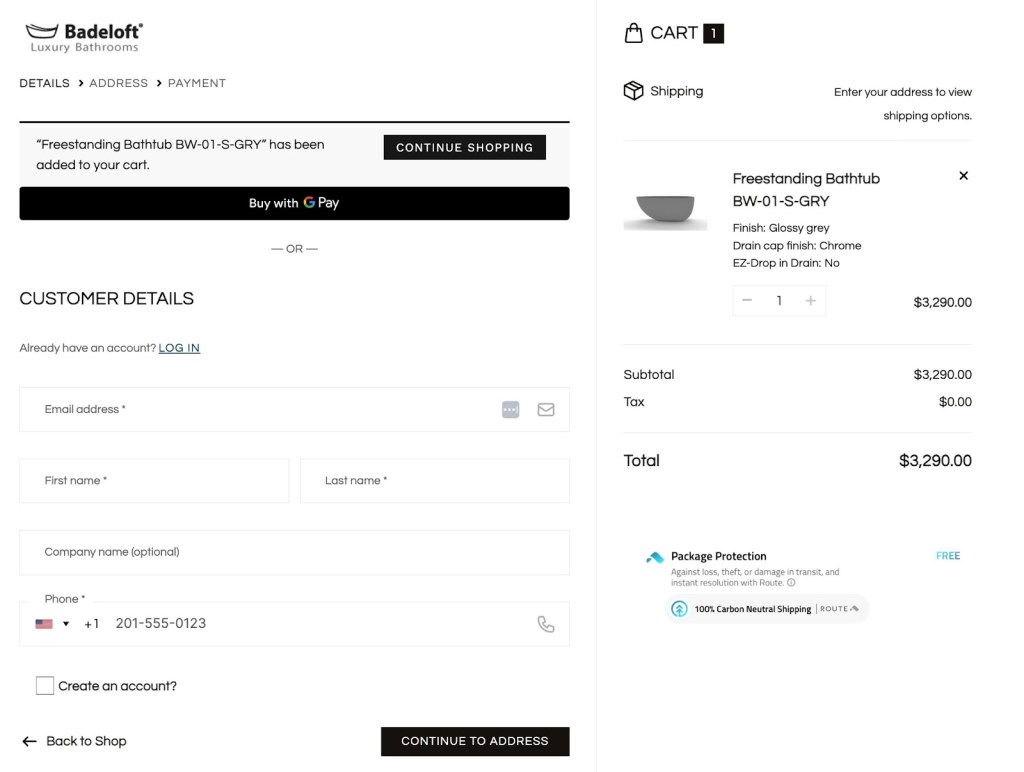
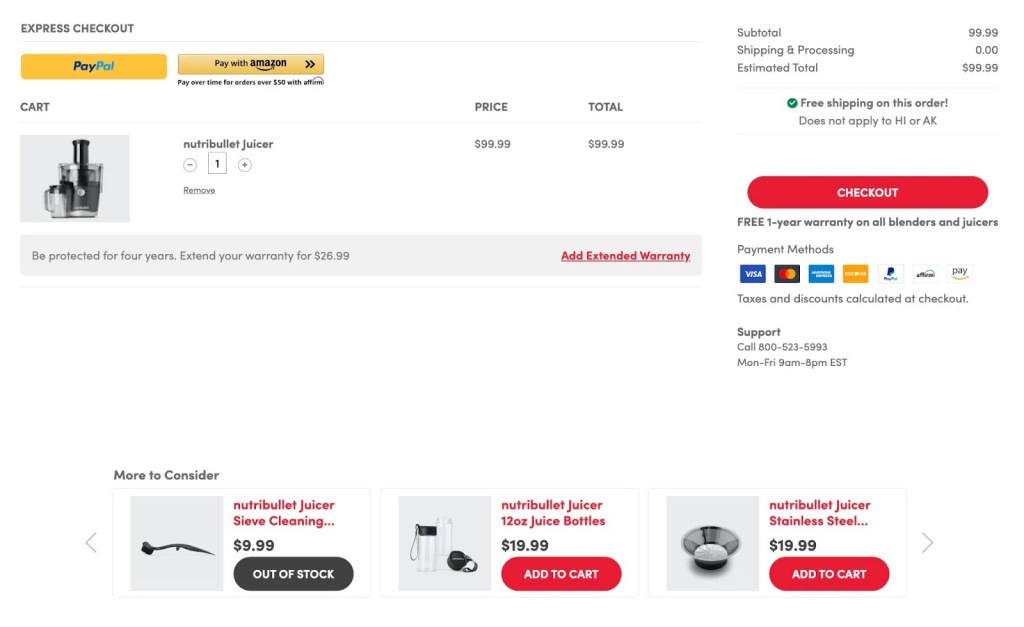
Fear of missing out can push order totals up. Suggest upgrades or add-ons that go with what the shopper already picked. Someone buying a smartphone, say, might want a case too. They get something useful, and your margin grows.
Here is another store doing this well, showing extended warranties and matching extras right on the cart page:
Where DIY cart changes go wrong
WooCommerce gives you plenty of ways to rework the cart layout. Some cost little; others are sturdier and more dependable.
A small shop may get by with these tools. They do carry some risks, though:
- Slower pages from extra code
- Things breaking after WooCommerce updates
- A generic cart that does not look like your brand
- Little room for complex features
For large, enterprise-size stores, do-it-yourself tweaks often fall short. Some tools do go further. Kadence Shop Kit, for example, can show dynamic cart banners that change with what is in the cart or its total.
If your cart is central to how you sell, it is worth getting a WooCommerce specialist to check that it helps your sales rather than getting in the way.
What a specialist can do for your cart
Chasing more conversions? An experienced WooCommerce developer can go further than ready-made templates and basic plugins. A good WooExpert can:
- Build cart features that fit how your business works
- Keep the page quick and easy to move through
- Add advanced options such as live pricing or AI product suggestions
- Keep everything working through WooCommerce updates
Here at Softdiscover, we compare plugins rather than build stores. If you do hire a developer, ask to see carts they have built for stores like yours, how they avoid the usual DIY pitfalls, and how they keep a custom cart fast and on-brand as the store grows.
A weak cart quietly costs you orders, so it pays to fix it. Tell us which cart plugins you would like to see compared next.