
When selecting a payment gateway plugin for your WordPress site, there are several key factors to take into account to ensure you choose the best one for your business.
These include:
- Supported payment methods (PayPal, credit/debit cards, bank transfers, etc.)
- Compatibility with your currency and location
- Security and PCI compliance
- Transaction fees
- Ease of integration and use
- User experience
- Customization and design flexibility
- Multi-language support
- Refund process
- Mobile Optimization
- Compatibility with your other plugins
- Customer support availability
Evaluating these factors will help you select a provider that not only meets your current needs but also has the flexibility to grow with your online business. so Let’s check the plugins.
| Product | Price | Rating | Active installs |
|---|---|---|---|
| WP Simple Pay | Free + paid | 4.4/5 | 8,000+ |
| Easy Digital Downloads | Free + paid | 4.7/5 | 40,000+ |
| WPForms | Free + paid | 4.8/5 | 5M+ |
| Thrive Apprentice | Paid | ||
| WooPayments | Free | 3.4/5 | 800,000+ |
| MemberPress | Paid | ||
| WordPress PayPal (WP PayPal) | Free | 4.5/5 | 4,000+ |
| Square for WooCommerce | Free | 2.1/5 | 80,000+ |
| WooCommerce Amazon Pay | Free | 2.5/5 | 10,000+ |
WP Simple Pay
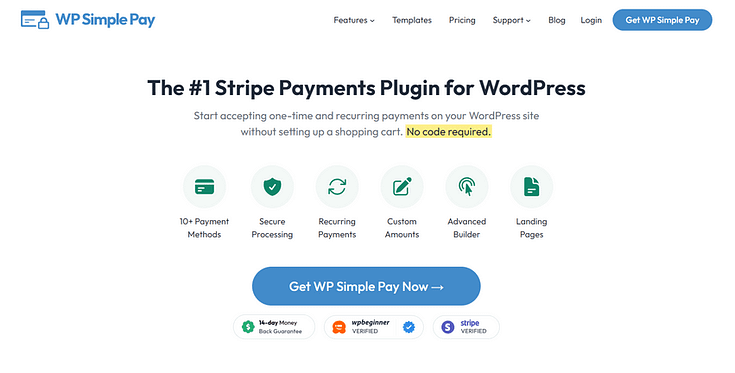
WP Simple Pay is a premium Stripe payment gateway plugin for WordPress websites.

Ease of Use/Setup
WP Simple Pay is straightforward to set up and use, only requiring a few minutes to install and configure.
You can connect your Stripe account with a single click and use the plugin’s drag-and-drop builder to design your payment forms.
This plugin lets business owners accept one-time and recurring payments on their WordPress websites without setting up a shopping cart .
Perfect for site owners who don’t want to get bogged down by setting up a complicated shopping cart system or eCommerce platform .
Supported Payment Methods
If you need a payment gateway plugin that accommodates a variety of payment methods , this is the one for you. You can accept debit and credit card payments , transfers from US bank accounts, SEPA Direct Debit, and even services like After Pay and Klarna.
Security Features
In terms of security, WP Simple Pay uses Stripe’s PCI -compliant servers to securely store and process online transactions, keeping sensitive information off your servers. It also uses 3D Secure 2 to make user authentication easier and Stripe Radar to spot potential fraud.
Businesses can also set up their own fraud protection rules. For eligible merchants, Stripe offers Chargeback Protection, which covers the costs when customers dispute charges. These features work together to make payments safer and help protect businesses from fraud and financial losses due to disputed transactions.
Transaction Fees
The free version of WP Simple Pay includes a 3% transaction fee on top of Stripe’s standard fees. Upgrading to the premium version eliminates this additional fee. Stripe’s standard fees are 2.9% + $0.30 per transaction for domestic payments, with variations for international and alternative payment methods.
Theme Compatibility
WP Simple Pay is designed to work well with popular WordPress themes and plugins. It works well with page builders like SeedProd, Elementor and Divi, and other plugins like AffiliateWP and Zapier. This ensures that it can be easily incorporated into most WordPress setups without compatibility issues
Pricing
Pricing starts from $49.50 per year for WP Simple Pay’s Personal plan.
Pros
- Payment form block and shortcode for Stripe card payments
- Subscriptions available in the free version
- Optional hCaptcha or Cloudflare Turnstile on payment forms
Cons
- Lite adds a 3% application fee to each transaction
- Custom fields, coupons and on-site overlay forms need Pro
- Sends usage data only if the site opts in, and loads Stripe and captcha scripts
Easy Digital Downloads
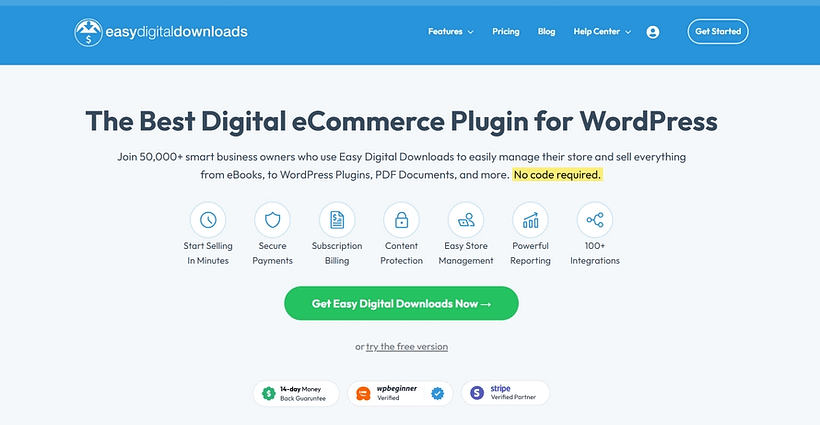
Easy Digital Downloads is one of the best WordPress payment gateway plugins for selling digital products.
Ease of Use/Setup
Easy Digital Downloads focuses on making your life as a business owner easier, providing a user-friendly interface with deep customization options. This means you can tailor your eCommerce site to perfectly align with your brand.
Supported Payment Methods
The free version supports PayPal Standard and Amazon Payments. Premium versions add support for Stripe, PayPal Pro, Apple Pay, Authorize.net, and other popular gateways.
You can also create a subscription model for your products, to give your customers another way to make a payment.
If you want to offer your customers a seamless checkout experience , this could be the WordPress payment plugin for you.
Security Features
Easy Digital Downloads takes security seriously. It includes features like secure file delivery, PCI compliance, fraud monitoring (on higher plans), and integration with SSL. The plugin is regularly updated to address any vulnerabilities.
Transaction Fees
Easy Digital Downloads itself does not charge any transaction fees. However, the payment gateways you use will have their own fee structures. The plugin allows you to pass on transaction fees to customers if desired.
Theme Compatibility
Easy Digital Downloads is designed to be compatible with any properly coded WordPress theme. It includes basic templates that can be overridden by themes. Many popular themes also offer built-in styling and layouts for Easy Digital Downloads.
Pricing
While there is a free version of Easy Digital Downloads available, the premium plan unlocks the plugin’s full suite of advanced features.
Pricing starts from $99.50 per year for their Personal plan.
Pros
- Built for selling digital downloads, with checkout and customer downloads
- Stripe, PayPal and Square payment gateways
- Discounts, reports and blocks for checkout pages
Cons
- Subscriptions, recurring payments and recurring revenue reports need Pro
- Pro requires a licence key from the vendor
WPForms
WPForms is a powerful drag-and-drop form builder that also enables business owners to collect payments.
This plugin delivers an uncomplicated payment solution perfect for small businesses looking to create simple, yet customized, payment forms with zero coding required.

Ease of Use/Setup
Setting up payment forms is straightforward, even for beginners. The plugin offers pre-built templates and an intuitive design process, making it easy to create and customize payment forms quickly.
Supported Payment Methods
WPForms integrates with several popular payment gateways, including:
- PayPal Standard
- Stripe
- Square
- Authorize.Net
So, your business can easily accept credit card payments, digital wallet payments, PayPal transactions, and other digital payment methods.
Security Features:
In terms of security functionality, WP Forms has the following available:
- SSL encryption for forms
- Anti-spam protection (including CAPTCHA options)
- Form entry limits
- Country restrictions
Transaction Fees
WPForms itself does not charge additional transaction fees beyond what the payment processors charge. However, the free version (WPForms Lite) includes a 3% fee on Stripe payments. This fee is removed with paid WPForms plans.
Pricing
WPForms is free, with premium subscriptions starting from $49.50 per year ($199.50 per year for the tier that accepts payments).
Pros
- Free drag-and-drop builder with ready-made templates
- Stripe and PayPal payment forms in the free version
- Entries stored and viewable in the admin
Cons
- Conditional logic, multi-page forms and file uploads need Pro
- Calculations need the paid Calculations add-on
- Some fields and export options show upgrade prompts
Stripe Payments for Thrive Apprentice
Thrive Apprentice is one of the best online course & membership plugins for WordPress websites.

This plugin also allows you to sell any type of digital product – eBooks, webinars, premium blog posts, membership subscriptions, and so much more.
With Thrive Apprentice’s built-in Stripe integration, you can facilitate secure transactions without needing to connect a separate plugin to your course or membership platform.
This solution is ideal for course creators who want a simple way to collect payments for their digital products.
Pricing for Thrive Apprentice starts from $149 per year.
WooPayments (Formerly WooCommerce Payments)
WooPayments is the best WooCommerce plugin for facilitating payments.
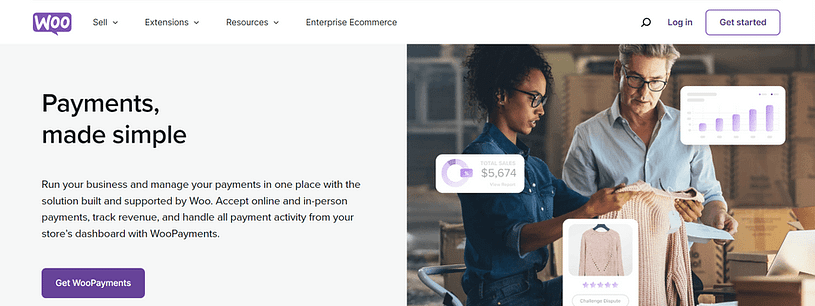
This plugin seamlessly integrates with your WooCommerce store, allowing you to manage payments right from your WordPress dashboard.
You can create a seamless checkout experience in minutes and upgrade your pages with a variety of WooCommerce checkout plugins.
WooPayments is available in 38 countries and accepts payments in 135+ currencies, ideal for eCommerce stores with a global customer base.
WooPayments is free to install, with no setup fees or monthly fees. Pay-as-you-go fees start at 2.9% + $0.30 per transaction for U.S.-issued cards.
Pros
- Card payments managed from the WordPress dashboard
- Built-in fraud screening and duplicate payment detection
- Multi-currency pricing with a currency switcher block
Cons
- Needs a WooPayments account before it can take payments
- Only available in the countries WooPayments supports
MemberPress
MemberPress is a popular WordPress membership plugin that enables that helps you build membership sites and accept payments for access to premium content.
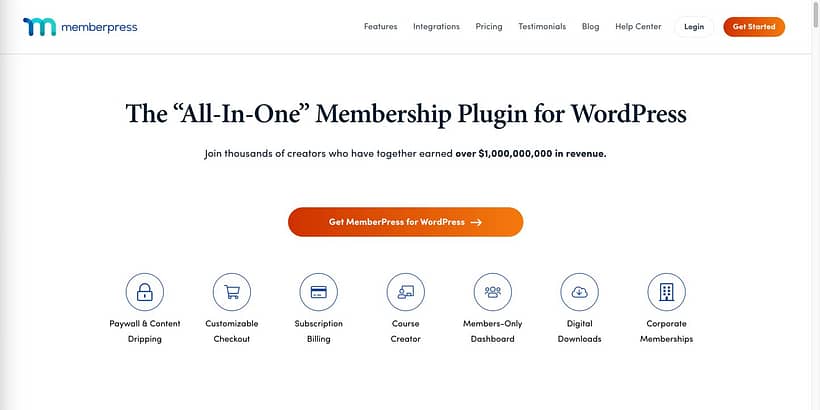
With this plugin, you can sell digital products, offer subscriptions, and create exclusive membership tiers.
MemberPress integrates with most popular payment gateways, including PayPal, Stripe, and Authorize.net, allowing you to accept payments directly on your site
Pricing starts from $179.50 per year for their Basic plan.
Payment Button for PayPal
Payment Button for PayPal is a WordPress plugin designed to accept PayPal payments from your WordPress site.

This plugin typically allows you to create customizable “Buy Now” buttons that you can insert into your posts, pages, or widgets.
Your customers will be able to pay for your products using PayPal or Credit Card.
This plugin is a straightforward solution for business owners who want to sell products, and services, or accept donations without the need for a full-fledged eCommerce system like WooCommerce.
Pros
- PayPal Checkout with a sandbox mode for testing
- Product and checkout shortcodes for buy-now buttons
- Orders kept in the dashboard with a debug page
Cons
- Many features are sold as separate paid add-ons
- Needs PayPal API keys and sandbox setup before going live
- Fewer store features than a full e-commerce plugin
Square for WooCommerce
Square for WooCommerce connects Square, a powerful payment processing system, with a WooCommerce store.
Square, as a payment processor, has a solid reputation for seamless, reliable online and in-person transactions.
It’s simple to set up, integrates directly with your WooCommerce store, and helps you manage all payment-related tasks from a streamlined dashboard.
Square for WooCommerce is free to download, with transaction fees based on Square’s standard rates. This typically includes a flat rate per transaction, plus a small percentage of the sale.
Pros
- Card and digital wallet payments through Square
- Product and inventory sync with Square POS
Cons
- Requires a Square account and connection
- Background sync can lag behind live stock changes
WooCommerce Amazon Pay
WooCommerce Amazon Pay integrates your store with Amazon Pay.
WooCommerce Amazon Pay offers a streamlined checkout experience, allowing existing Amazon customers to make online payments without creating a new account or needing to re-enter their billing and shipping information.
This plugin also features recurring payment support for WooCommerce Subscriptions, giving you more ways to accept payments in a way that suits your customers best.
To use WooCommerce Amazon Pay, you’ll need to sign up for an Amazon Pay merchant account, install the plugin, and configure it with your credentials. After setup, Amazon Pay will appear as a payment option during on your WooCommerce checkout page.
Pros
- Shoppers pay with address and payment details saved at Amazon
- Amazon widgets keep the buyer on the store during checkout
- Block checkout blocks for changing the address and a logged-out banner
Cons
- Needs an Amazon Pay merchant account and Login with Amazon client ID
- Relies on Amazon widget scripts loaded on checkout pages
- Includes legacy code paths for older Amazon API versions
The Best WordPress Plugin to Collect Payments: WP Simple Pay
Our choice for the best WordPress payment gateway is WP Simple Pay.
WP Simple Pay is simple, easy to use, and boasts efficiency. It works for all types of business owners – from those who want a quick way to accept payments for a product or service, to entrepreneurs with full-blown eCommerce stores.
Its no-code form builder is user-friendly and features a drag-and-drop editor for easy building, allowing you to build impressive payment forms quickly – ideal for beginners.
So, if you’re looking for a standalone payment gateway plugin that offers ease of use, flexibility, and secure payment processing, WP Simple Pay is definitely the way to go.