Planning to run a podcast from WordPress? A quick search turns up dozens of podcasting plugins, and without a clear idea of what you need, picking one is hard.
This list narrows the field to a handful of strong options, free and paid, so you can choose one and start publishing episodes.
| Product | Best for | Price | Rating | Active installs |
|---|---|---|---|---|
| PowerPress by Blubrry | 4.6/5 | 20,000+ | ||
| Fusebox | ||||
| Seriously Simple Podcasting | 4.7/5 | 30,000+ | ||
| Buzzsprout | ||||
| Simple Podcast Press | ||||
| Podlove Podcast Publisher | 4.4/5 | 3,000+ | ||
| Compact WP Audio Player | 4.1/5 | 20,000+ | ||
| Spreaker Shortcode | 3.6/5 | 4,000+ |
PowerPress by Blubrry
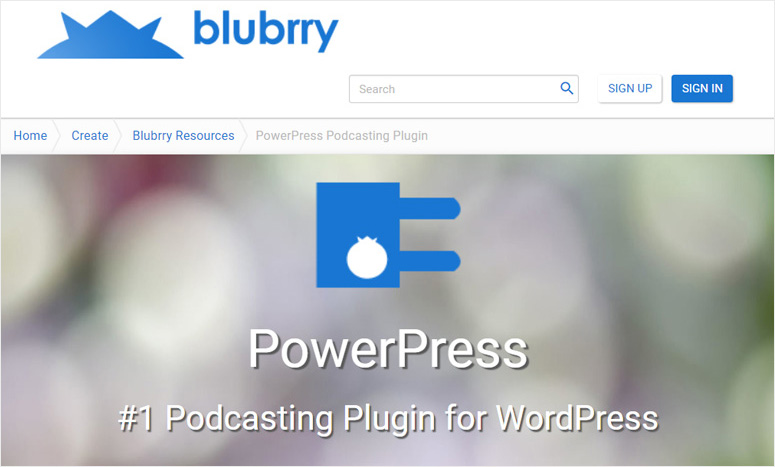
Blubrry covers every part of running a podcast site on WordPress. It offers podcast hosting, listener statistics and a plugin widely seen as the leading one for podcasters, PowerPress.
PowerPress packs a lot of capability while staying straightforward to set up. It handles audio as well as video episodes, and it has full support for Apple Podcasts.
There are two modes, simple and advanced. New podcasters can stay in simple mode while they learn their way around, since it shows only the settings needed to publish a first episode and send it to Apple Podcasts. Once you are comfortable, advanced mode opens up the full range of options.
A built-in HTML5 player is included, and it can embed media from services like YouTube. Other tools cover subscriptions, podcast SEO, statistics and migration. Pairing PowerPress with Blubrry’s hosting unlocks its more advanced features.
Fusebox

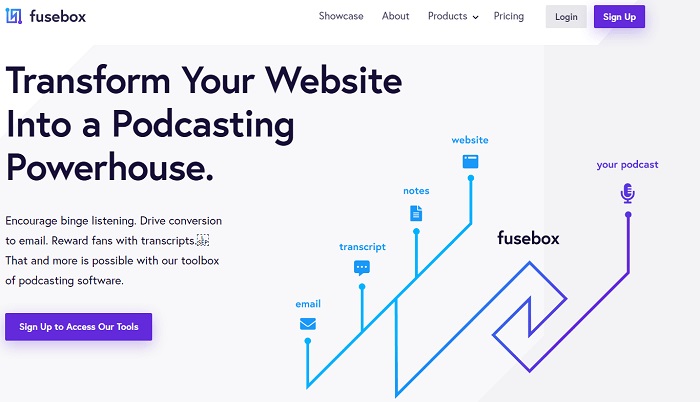
For podcast pages that look polished and come with transcription built in, consider Fusebox. It is designed to give listeners a pleasant experience on your WordPress site.
Its HTML player has buttons for downloading, sharing and subscribing, which makes each episode easy to play and pass along. The subscribe button doubles as a way to gather listener email addresses. With the Smart Track Player, you can showcase your full archive or any individual episode, song or sound clip.
The player is responsive, so it adapts to any screen size. Listeners can change the playback speed, and you can pick a light or dark theme plus custom colors that match your site.
Seriously Simple Podcasting

Seriously Simple Podcasting is a free plugin aimed at people new to podcasting. It works inside the familiar WordPress dashboard, so adding and managing episodes takes very little setup.
One WordPress install can host several separate podcasts with this plugin. Its redesigned media player shows your cover art and can be styled to fit your site. Audio and video episodes are both supported.
It works with nearly every podcast directory and feed service, iTunes among them. Shortcodes and widgets let you place your archive, a single episode or a playlist wherever you like on the site.
BuzzSprout
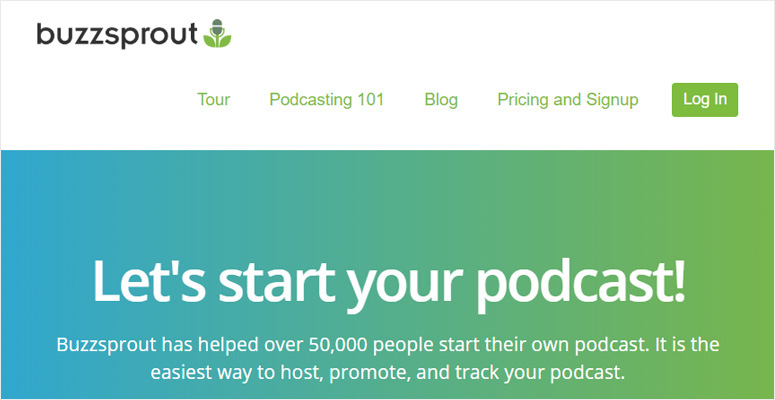
Hosting and promotion both live under one roof with BuzzSprout. Most features sit behind paid tiers.
Setting up a show and adding episodes is straightforward in its clean dashboard. Each audio file you upload is optimized automatically to industry standards. From there, you can list your podcast in major directories such as iTunes.
BuzzSprout users can bring their episodes into WordPress with a free plugin. It fetches episodes from your BuzzSprout account, and shortcodes let you display them on any page or post.
Simple Podcast Press
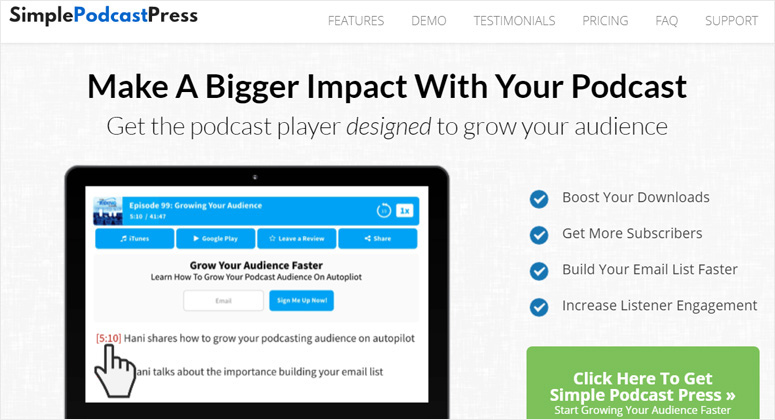
As its name suggests, setup here takes little effort. Shows hosted on Libsyn, SoundCloud, Buzzsprout or similar services can all be pulled into WordPress.
Wherever your show is hosted, all you need is its iTunes URL. Once you paste it in, the plugin builds a separate page for every episode, complete with a player, images and a description, without any manual work.
You also get customizable buttons, clickable timestamps and a built-in URL shortener. It suits podcasters who mainly want their WordPress site to promote the show.
Podlove Podcast Publisher

Podlove Podcast Publisher is another way to publish and manage a podcast directly from WordPress. It handles every modern audio and video codec, so you can release episodes in multiple formats, and it includes an improved HTML5 player.
Media does not get uploaded through WordPress itself; it goes to external storage like FTP/sFTP or Amazon S3 first. A few quick settings then connect those files to your site for publishing.
Chapter support helps you organize episodes, and flexible templates and analytics round out the feature set.
Compact WP Audio Player

Compact WP Audio Player is a free plugin that puts an audio player on your WordPress site. You upload your audio files to a storage location first, then place them in posts or pages with a shortcode. Each file appears in a small, compact player.
Supported formats: MP3 and OGG. Options include looping and autoplay. Phones, tablets and desktops all display it correctly, and it runs in every mainstream browser.
Spreaker Shortcode

Spreaker is a well-known platform for both listening to popular shows and producing your own. If your podcast lives on Spreaker, the Spreaker Shortcode plugin lets you embed it in WordPress.
You can embed any Spreaker episode, show or user profile, and shortcode parameters give you plenty of control over how each one is displayed.
Each of these plugins suits a different setup, so match your choice to where you host your show and how much control you want over your podcast pages.
No longer available
- Sermon Manager